Face Swap Video Online Free: The Complete Beginner’s Guide
Swapping faces in a photo is easy now — but what about video? Imagine putting your face into a famous movie scene, creating a funny birthday video for a friend, or making a creative short for social media. With a face swap video online free tool, you can do exactly that without installing heavy software or learning video editing.
Video face swap is more demanding than photo face swap: the AI must track the face across every frame and keep lighting consistent while the head moves. In this guide, you will learn how the best free online methods work, follow a clear step-by-step process, understand the honest limitations, and pick up best practices — including the consent rules every user should respect.
How Video Face Swap Works
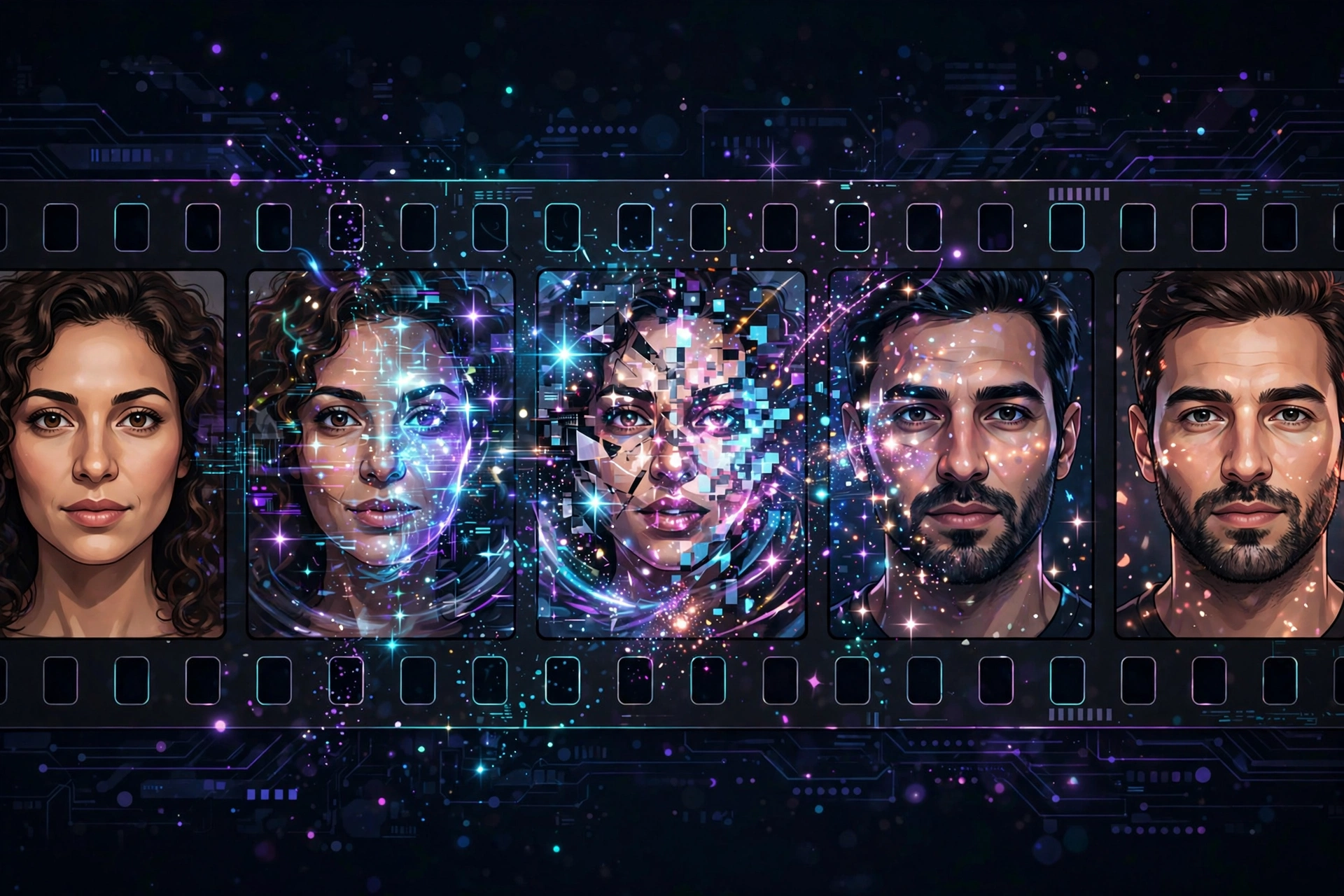
The basic idea is the same as photo swapping, extended across time. Here is what the AI does with your video:
- Face detection and tracking. The tool finds the face in the target video and follows it frame by frame, even as the person turns, nods, or walks.
- Expression mapping. It studies how the target face moves — smiles, blinks, talking — so the swapped face can mirror those expressions naturally.
- Frame-by-frame blending. Your source face is adjusted for angle, lighting, and skin tone in each frame and blended into the video.
- Rendering. The frames are reassembled into a finished video, usually in a few minutes depending on length and the tool's server load.
Because every frame is processed, even a 10-second clip involves hundreds of individual swaps. That is why video tools are slower than photo tools — and why free tiers often limit video length.
The Best Free Online Methods
Browser-Based AI Face Swap Sites
The simplest option: websites where you upload a video and a face photo, then download the result. Most free plans allow short clips (10–30 seconds) and a limited number of swaps per day — ideal for quick social media clips and memes.
Free Apps with Video Swap Features
Some mobile apps include video face swap alongside their photo tools, letting you pick a video straight from your gallery. Watch for the usual free-app trade-offs: watermarks, ads, and daily limits. Check recent reviews before installing, and deny permissions the app does not need.
Desktop Open-Source Tools (Advanced, Fully Free)
If you want longer videos, higher quality, and no watermarks, open-source deepfake tools running on your own computer are the most powerful free option. The catch: they need a reasonably capable computer and some patience to set up. Your videos never leave your machine, which is also the most private way to do face swaps.
Step-by-Step: Swapping a Face in a Video Online
Here is the typical workflow on a free browser-based tool:
- Prepare your source face photo. Use a clear, front-facing, well-lit photo. One good photo is enough for most tools.
- Choose your target video. Pick a short clip (under 30 seconds works best on free plans) where the face is clearly visible and not constantly turning away.
- Upload both to the tool. Upload the video first, then the face photo, following the site's prompts.
- Start processing and wait. Expect 2 to 15 minutes depending on video length and server load. Keep the tab open.
- Preview carefully. Watch the whole clip for flickering around the face, moments where the swap "slips" during fast head turns, and artifacts around the mouth.
- Download your video. Free downloads may include a watermark or be limited to 720p. If the result glitches, try a different source photo or a shorter clip.
Honest Limitations of Free Tools
Free is great, but go in with clear eyes:
- Video length caps. Most free tiers limit clips to 10–60 seconds; longer videos need paid plans or desktop tools.
- Watermarks. Many free exports stamp a logo on the video; some remove it with a free account, others reserve that for paying users.
- Processing queues. Free users often wait behind paying customers — a 3-minute render can become a 20-minute wait at peak hours.
- Quality ceiling. Free tiers typically output 720p: fine for phones and social media, less ideal for large screens.
- Fast motion breaks the illusion. Rapid head turns, dancing, and hands over the face are where swaps glitch most. Calm, front-facing footage works best.
- Lip-sync is imperfect. The swapped face mimics expressions, but precise lip-sync with new audio is a separate, usually paid, technology.
None of these are deal-breakers for fun personal projects — they just explain why your first attempt might not look like a Hollywood movie.
Best Practices for Great Results
- Short and steady wins. A 15-second clip of someone talking to the camera looks far better than a 60-second action scene.
- One face at a time. Most free tools handle a single target face well; group shots often confuse them.
- Good lighting in both inputs. Match a well-lit source photo with a well-lit video — dark footage produces dark swaps.
- Front-facing footage. The more the target face looks toward the camera, the cleaner the tracking.
- Test with a short clip first. Before a longer render (and longer wait), test your source photo on a 5-second snippet.
- Enhance, do not overdo. If the tool offers "face enhance," moderate settings look more natural than maximum.
A Brief Note on Ethics and Consent
Video face swaps deserve extra care because video feels more "real" than a photo. The rules are simple but non-negotiable:
- Get consent from anyone whose face you use — both the person whose face is inserted and anyone identifiable in the original video.
- Never create deceptive videos that could mislead viewers about what a real person said or did.
- Keep it clearly playful when sharing. A labeled parody among friends is very different from an unlabeled clip posted publicly.
- Know the law. Non-consensual manipulated videos — especially intimate or defamatory ones — are criminal offenses in many countries.
Creativity is wonderful; responsibility makes it sustainable. When everyone whose face appears is in on the joke, video face swap is pure fun.
Frequently Asked Questions
Can I really swap faces in a video for free?
Yes. Several browser tools and mobile apps offer free video face swapping with limits on clip length, daily uses, or output quality (often with a watermark). For casual short clips, the free tiers are genuinely usable.
How long does video face swap processing take?
Anywhere from 2 to 20 minutes for a short clip on free online tools, depending on video length, resolution, and server load. Desktop open-source tools can take longer per video but skip the queue.
Why does my swapped face flicker or look glitchy?
Flickering usually comes from fast head movement, poor lighting, low resolution, or a weak source photo. Try a steadier clip, a sharper front-facing source photo, and moderate enhancement settings.
Can I remove the watermark from free face swap videos?
Some tools remove watermarks with a free account; others require payment. Cropping out a watermark degrades quality and may violate the tool's terms — the honest path is to use a tool whose free tier already fits your needs.
Is video face swap the same as a deepfake?
Technically, yes — "deepfake" is the umbrella term for AI face replacement in video. The word picked up a negative reputation through misuse, but the technology is also used for filmmaking, education, accessibility, and entertainment. Intent and consent separate fun from harm.
Related Articles
- Face Swap AI Free: Swap Faces in Photos Like a Pro
- AI Hug Video Generator Free: Create Heartwarming AI Hugs
- CapCut Video Editor Pro: Features, Tips and Free Alternatives
Conclusion
Free online video face swap has turned a Hollywood-level effect into a browser tab anyone can use. Pick a short, well-lit clip, pair it with a clear source photo, accept the free-tier limits gracefully, and you will have a fun, shareable video in minutes. Just remember the golden rule: everyone whose face appears should be happy to be there.