6 Best Free AI Video Generators Compared (2026 Guide)
Type a sentence, get a video. That's the promise behind AI video generators — and why every other site now claims to offer one "free." The nuanced reality: free AI video tools exist and some are genuinely good, but every free plan has limits. Knowing them before you start saves you from falling in love with a tool only to hit a paywall mid-project.
Here's an honest comparison of the free AI video landscape — what you actually get, where each option shines — plus a step-by-step guide to your first video and prompt tips that make a real difference.
What "Free" Really Means for AI Video
Video generation is far more computationally expensive than generating images or text, so free plans are always limited somehow:
- Generation credits: A set number of free videos per day, week, or month. Use them up and you wait or pay.
- Watermarks: Some free plans stamp a logo on outputs — fine for experiments, annoying for public posts.
- Resolution and length caps: Free clips are often 720p and 5–10 seconds.
- Slower queues: Free users sometimes wait while paying users jump ahead.
- Commercial restrictions: Free tiers may limit you to personal, non-commercial use.
None of this makes free plans useless — it just means planning around them: generate thoughtfully, batch your work, and use multiple tools if needed.
The Free AI Video Options Worth Trying
1. Mainstream Text-to-Video Platforms
The biggest names in AI video all offer free access — usually starter credits or a few daily generations. They lead on motion quality and realism thanks to the most advanced models. For the most impressive-looking output, start here.
Free reality: A handful of generations per day or a one-time new-account balance. Enough to experiment, not enough for a full project in one sitting.
2. Social-Media-Focused Generators
Built for short-form content — TikTok-style clips, product promos, text-to-talking-head videos. Templates and trending formats included, with quality a notch below the mainstream tools but a faster workflow for social content.
Free reality: A few limited videos per month, sometimes watermarked. Check whether the watermark appears on downloads or just previews.
3. Image-to-Video Specialists
These animate a still image you provide — camera movement, subtle motion, environmental effects. Because the starting frame is fixed, results are more predictable than pure text-to-video.
Free reality: Often more generous than text-to-video, since animating an image costs less compute. Some offer daily free animations with no watermark.
4. Talking-Avatar Tools
Type a script, pick an avatar, get a video of a "person" delivering your lines. Quality varies enormously — the best are eerily convincing. Free plans typically allow 1–3 videos or a couple of minutes per month: fine for testing.
5. Open and Community Options
Open-source video models you can run on a decent computer, plus community platforms for shared generations. More technical setup, but effectively unlimited once running. Worth exploring if you're the tinkering type.
How to Evaluate Any Free AI Video Tool
New tools appear monthly. Before investing time, check:
- Can you generate without paying? Skip anything demanding a credit card for "free" access.
- How many generations, and how often do they reset? Daily resets beat one-time balances.
- Watermark on downloads? Decide if that matters for your use case.
- Max clip length and resolution? Five seconds at 720p is standard free; more is a bonus.
- Who owns the output? Some free plans grant the platform broad rights to your generations — read the terms.
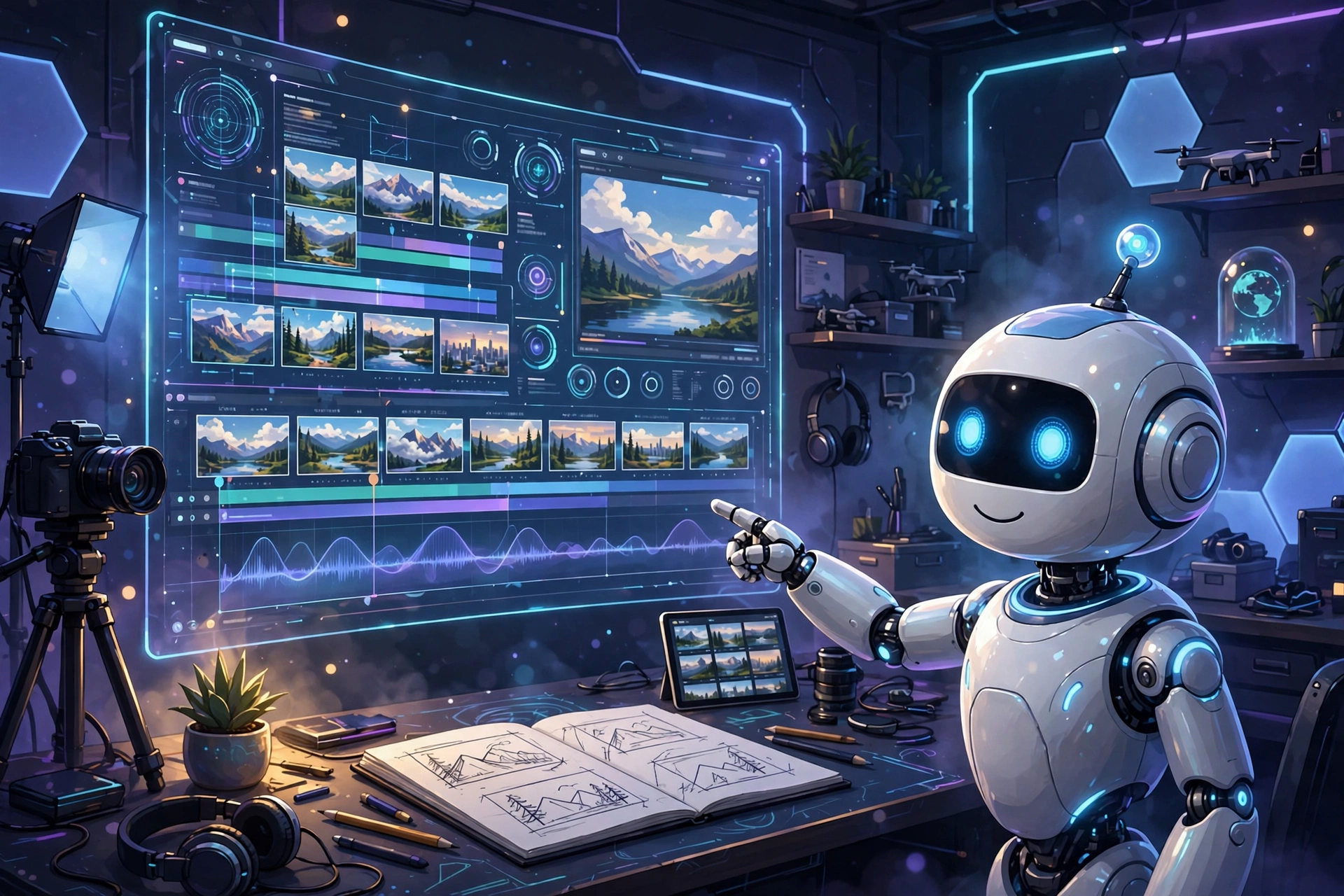
Generate Your First AI Video: Step by Step
Step 1: Choose a Tool and Sign Up
Pick a platform matching your goal and register with an email. Never add payment details for a free tier — if a tool demands a card for "free" access, choose another.
Step 2: Pick Text-to-Video or Image-to-Video
For your first attempt, image-to-video is more forgiving: start from an image you like and let the AI add motion. Going text-only? Keep the concept to one subject and one action.
Step 3: Write Your Prompt
Cover four things — subject, action/motion, camera, and style:
"Cinematic wide shot of a lighthouse on a rocky cliff at sunset, waves crashing below, dramatic clouds drifting, slow aerial push-in, photorealistic, dramatic lighting."
Step 4: Set Parameters
Choose aspect ratio for your destination (16:9 YouTube, 9:16 Shorts/TikTok), start with the shortest clip length, and pick a style preset if offered. Don't max everything out while learning — save credits.
Step 5: Generate and Review
Wait 1–5 minutes (typical for free tiers), then watch carefully: smooth motion? Weird artifacts? Does it match your vision? First attempts are rarely perfect — that's normal.
Step 6: Refine and Regenerate
Tweak based on what went wrong. Motion too chaotic? Add "slow, gentle movement." Regenerate — this loop is where the skill develops. Most creators redo each clip 2–4 times.
Step 7: Download and Assemble
Download at the highest free quality. Making something longer? Repeat per scene, then stitch clips together in CapCut.
Prompt-Writing Tips That Actually Help
- Be specific about motion. "A cat in a garden, tail swaying gently, butterflies drifting past, leaves rustling" beats "a cat sitting in a garden."
- Direct the camera. "Slow zoom in," "aerial drone shot," "tracking shot," "smooth pan left to right" — camera language dramatically improves results.
- One idea per clip. "A man walks through a market, buys an apple, rides into the sunset" confuses the model. Split it into three clips.
- Anchor the style. End prompts with "cinematic," "photorealistic," "anime style," or "vintage film look" for a consistent aesthetic.
- Use negative prompts. Exclude common flaws: "blurry, distorted, flickering, watermark, deformed hands, morphing."
- Save what works. Keep a notes file of successful prompts — different platforms respond to slightly different phrasing.
Getting the Most from Free Plans
- Plan before generating. Write all prompts in a notes app first — every wasted generation is gone for good.
- Test short, render long. Try prompts at 3–5 seconds; generate full length only when happy.
- Combine tools. Use one platform's free tier for backgrounds, another for character shots.
- Generate off-peak. Free-user queues often move faster late at night or early morning.
- Download immediately. Credits can expire and old generations may be deleted.
Frequently Asked Questions
What's the best completely free AI video generator?
No single winner — it depends on your project. Mainstream platforms offer the best quality with the tightest limits; image-to-video tools tend to be more generous. Try two or three from different categories before committing.
Can I monetize free AI videos on YouTube?
Depends on the tool's terms and YouTube's policies. Many free tiers allow personal use only; monetized videos may require a paid plan. YouTube also requires AI-content disclosure in many cases. Check both before monetizing.
Why do my AI videos look glitchy?
Usually overcomplex prompts, fast motion requests, or low settings. Simplify to one subject and one action, ask for slow gentle motion, add negative prompts, and use your plan's highest quality. Some glitchiness is inherent — short clips hide it best.
How long can free AI videos be?
Typically 3–10 seconds per clip on free plans. Longer videos come from generating multiple clips and editing them together.
Do free generators add watermarks?
Varies by platform. If watermark-free output matters (public posts, client work), verify before investing time — watermarks usually show in the preview, so you'll know early.
Related Articles
- Anime Video AI Online: Beginner's Guide
- AI Hug Video Generator Free
- CapCut Video Editor Pro: Complete Guide
Conclusion
Free AI video generators are genuinely capable — if you understand the deal: impressive tech at no cost, in exchange for limits on quantity, length, and sometimes quality. Plan your prompts, generate short clips, iterate patiently, and stitch it together in a proper editor. Do that, and you'll be amazed what you can create without spending a cent.