Face Swap AI Free: Swap Faces in Photos Like a Pro
Want to see what you would look like as a movie star, put your face on a historical portrait, or create a hilarious birthday edit for a friend? A face swap AI free tool makes it possible in seconds: upload two photos, and artificial intelligence blends one person's face onto the other's photo with realistic lighting, skin tone, and angles.
Face swapping has gone from a tricky Photoshop skill to something anyone can do on their phone. In this guide, you will discover the best free methods, a clear step-by-step process, tips for realistic results, and the privacy and ethics rules every responsible user should follow.
How AI Face Swap Works (In Plain English)
You do not need to understand the math, but a quick overview helps you get better results. When you upload a source face (the face you want to use) and a target photo (where it should appear), the AI:
- Detects both faces and maps key points — eyes, nose, mouth, jawline, and dozens of facial landmarks.
- Analyzes lighting and angle in the target photo so the new face can be adjusted to match.
- Blends the faces, matching skin tone, shadows, and texture so the swap looks natural rather than pasted on.
- Renders the final image, smoothing the edges where the two images meet.
The whole process usually takes between 10 seconds and a couple of minutes on free tools — and the better the input photos, the better the output.
The Best Free Face Swap Methods
You have three main routes, depending on whether you prefer a website, an app, or maximum privacy.
Free Online Face Swap Websites
Browser-based tools are the easiest starting point: no installation, works on any device. Upload two photos, click swap, and download the result. Most free sites give you a handful of swaps per day without an account — try two or three to find one you like.
Free Face Swap Apps for Android
Dedicated apps often produce better results because they are optimized for this single task. Search the Play Store for highly rated face swap apps with recent updates and real written reviews. Good apps let you adjust the blend, refine face position manually, and save without a watermark on at least some outputs.
Open-Source Tools (For the Privacy-Conscious)
If you are uncomfortable uploading your face to a random website, open-source face swap projects that run on your own computer are the safest option. They need a bit more setup, but your photos never leave your device.
Step-by-Step: Your First Free Face Swap
Let us walk through the process using a typical free online tool. The steps are nearly identical across most platforms.
- Choose your two photos. Pick a clear, front-facing photo of the source face (good lighting, no sunglasses, neutral expression works best). For the target photo, choose one where the face is reasonably large and facing the camera.
- Open the face swap tool in your browser and upload the target photo first — this is the image that will be edited.
- Upload the source face photo when prompted. Some tools let you crop the face; take a moment to frame it well.
- Click "Swap" or "Generate." Wait for the AI to process the images. Do not close the tab — most free tools take 15 to 60 seconds.
- Review the result. Zoom in and check the edges around the face, the skin tone match, and the eyes. If it looks off, try sharper input photos or swap which photo is source vs. target.
- Download and share responsibly. Save your creation. Before posting it anywhere, make sure you have the other person's permission (more on this below).
Tips for Realistic Results
The difference between a laughably bad swap and a convincing one usually comes down to the input photos. Follow these tips:
- Match the angles. If the target photo shows a face turned slightly left, use a source photo with a similar angle. Front-facing to front-facing gives the cleanest results.
- Match the lighting. A bright outdoor selfie swapped onto a dim indoor photo will look wrong — pair photos taken in similar lighting.
- Use high-resolution images. Blurry or tiny faces give the AI little to work with; sharper inputs mean a more natural blend.
- Similar skin tones help. The AI adjusts tone, but starting with similar complexions produces a far more seamless result.
- Avoid obstructions. Sunglasses, heavy shadows, hands, or masks confuse face mapping. Clean, visible faces work best.
- Mind the expression. A smiling source face on a serious target photo can look strange around the mouth — matching expressions sells the illusion.
Privacy and Ethics: The Rules That Matter
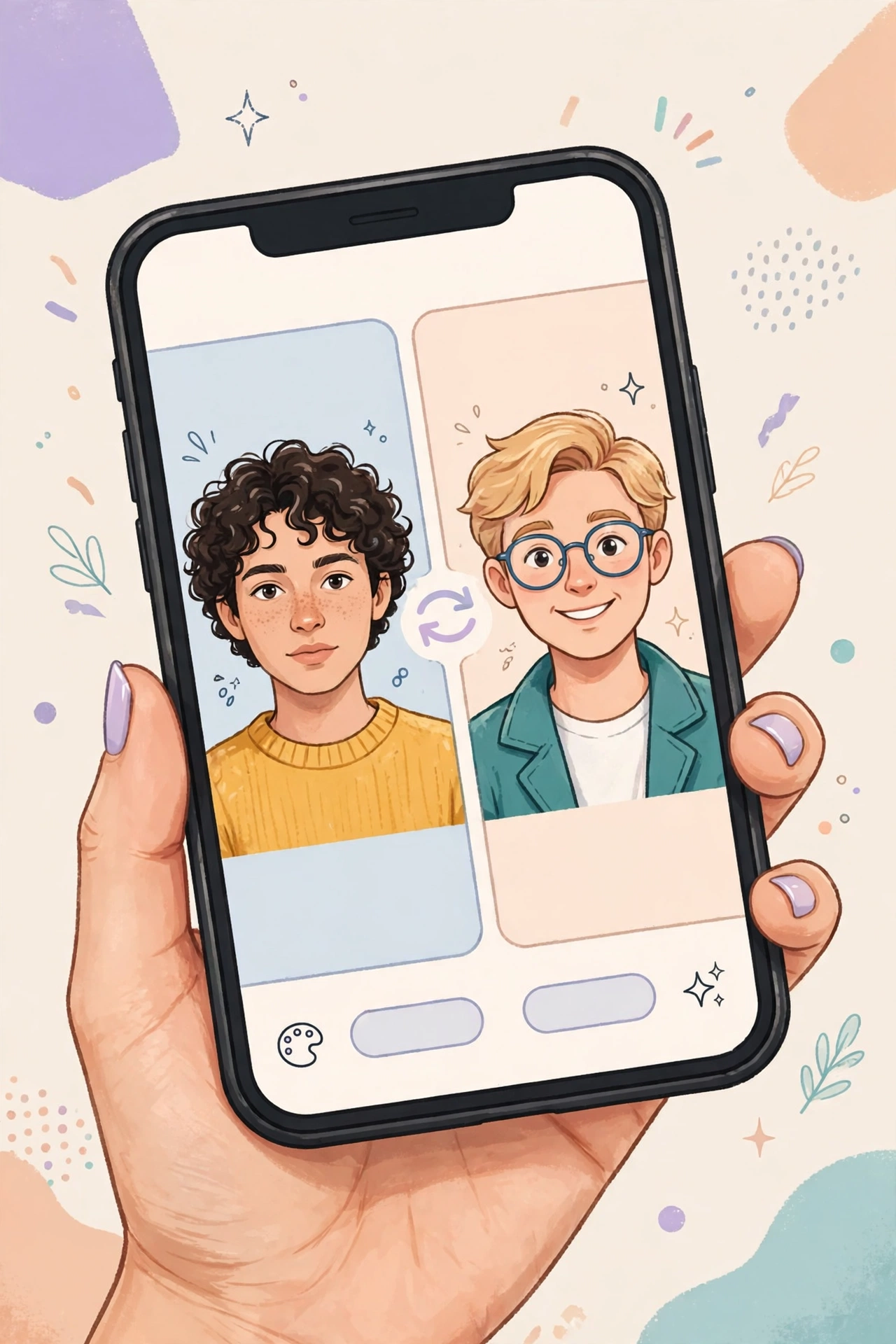
This section is not optional reading. Face swap technology is fun, but it can harm real people when misused. Follow these rules every time:
- Only swap faces with consent. Never use someone's photo without their clear permission. "It was just a joke" is not a defense if it upsets or harms them.
- Never create misleading content. Do not make face swaps that could trick people into believing something false about a real person.
- Know your local laws. Many countries now have specific laws against non-consensual manipulated images, with serious penalties.
- Protect your own photos. Every photo you upload to a free site could be stored on their servers. Read the privacy policy and never upload sensitive images.
- Label obvious edits when sharing publicly. If viewers might think a swapped image is real, a simple "AI edit" note keeps things honest.
Used responsibly — your own photos, willing friends, clearly playful contexts — face swapping is harmless fun. The technology is neutral; the ethics are on you.
Frequently Asked Questions
Is face swap AI really free?
Yes, many tools offer free face swaps, typically with daily limits (for example, 3–10 free swaps per day). Fully unlimited, watermark-free swapping is usually paid, but casual users rarely need it. Beware "free" apps stuffed with ads or demanding excessive permissions.
Which photo face swap gives the most realistic results?
Realism depends more on your input photos than on the tool. Dedicated apps and newer AI websites generally outperform older basic tools — but sharp, well-lit, front-facing photos with matching angles matter more than which free tool you pick.
Can I face swap on Android without an app?
Absolutely. Browser-based tools work fine on Android phones — visit the site, upload your photos, and download the result. No installation needed, which also means fewer privacy permissions to worry about.
Do free face swap sites keep my photos?
Many do, at least temporarily, to process the image — and some retain uploads for service improvement. Check the privacy policy before uploading, delete your uploads if the tool allows it, and never upload sensitive images to any free service.
Is face swapping legal?
Creating face swaps of yourself or with consenting adults for fun is generally fine. Creating deceptive, defamatory, or non-consensual intimate imagery can be illegal in many places. When in doubt, do not create it — and never share it.
Related Articles
- Face Swap Video Online Free: Swap Faces in Any Video
- AI Hug Video Generator Free: Create Heartwarming AI Hugs
- Best AI Photo Editor Online Free: Top Tools for Perfect Pictures
Conclusion
Free AI face swap tools have made a once-difficult edit available to everyone: pick two good photos, upload, click, and done. The secret to great results is simple — match angles and lighting, use sharp images, and choose a decent tool. And the secret to enjoying it without trouble is even simpler: only swap with consent and never mislead.