
AI Hug Video Generator Free: Turn Photos Into Heartwarming Hug Videos
Have you ever scrolled through social media and come across a short video of two people hugging — except one of them is no longer around, or it's a childhood photo come to life? These touching clips are called AI hug videos, and they've taken over feeds everywhere. The best part? A free AI hug video generator lets you upload one or two photos and watch AI animate them into a short, emotional hug — no editing skills needed.
This guide covers what AI hug videos are, the best free tools to make them, a step-by-step walkthrough, and pro tips for the most realistic results.
What Is an AI Hug Video?
An AI hug video is a short animated clip generated from a still photo. The AI analyzes the faces and bodies in the image and creates a few seconds of motion where two people move toward each other and embrace. The result looks surprisingly natural — arms wrap around, heads tilt slightly, and the moment feels alive.
The trend started when AI photo-animation tools became widely available. People began using them to create emotional reunions: a daughter "hugging" her late father, friends reunited across long distances, or a parent embracing a child who lives abroad. The videos spread quickly because they hit people right in the feelings — they're simple, short, and deeply personal.
How an AI Hug Video Generator Works
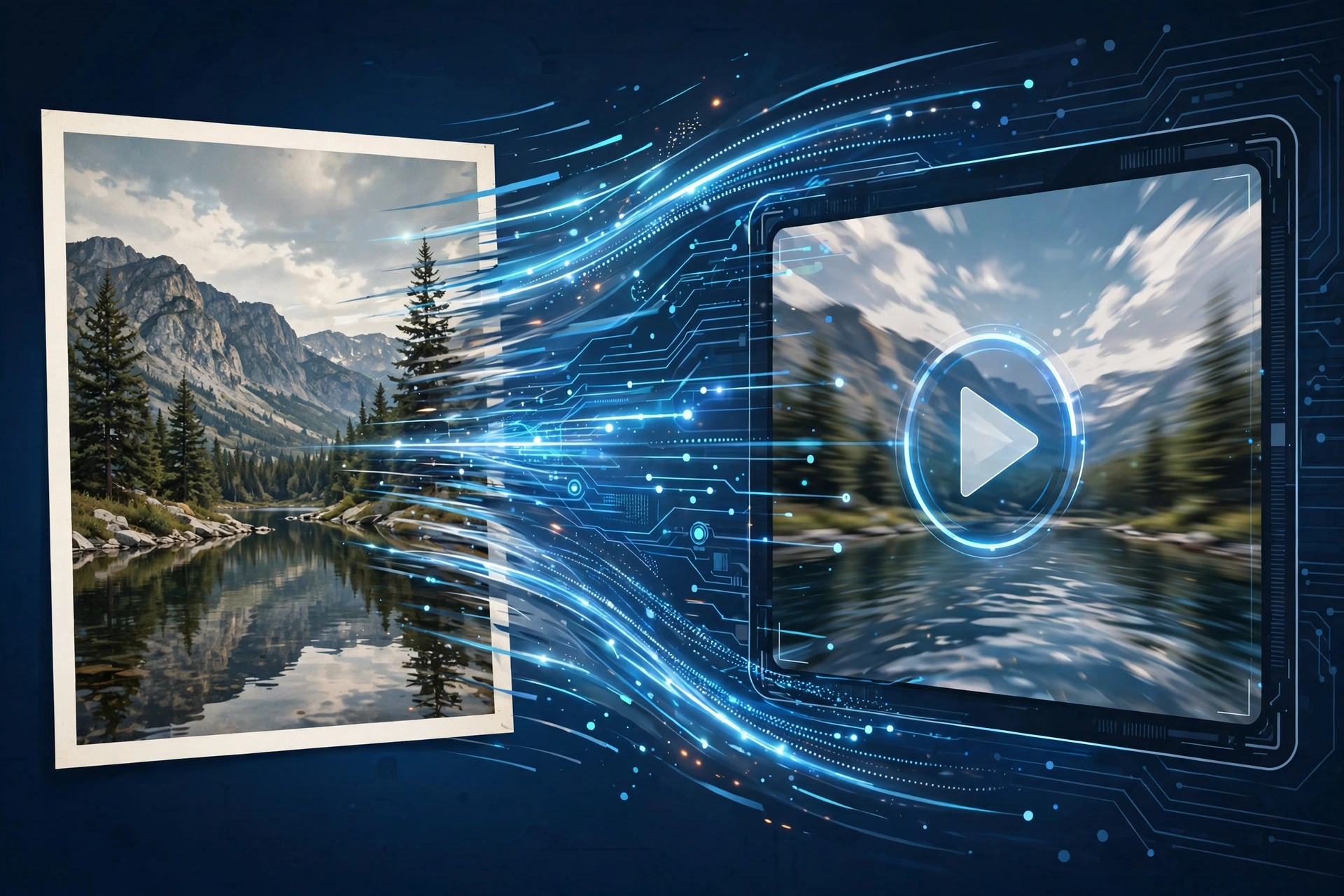
You upload a photo, the AI detects the faces and bodies in it, then a pre-trained animation model generates a natural hugging motion — leaning in, arms wrapping, a gentle sway. A few seconds later you get a short clip, typically 3 to 6 seconds. Most free tools run this in the cloud, so your phone does none of the heavy lifting.
Best Free AI Hug Video Generators to Try
There are several free options, and each works a little differently. Here are the most popular and beginner-friendly ones:
Vidu AI
Vidu offers a dedicated "hug" template: upload your photo, tap generate, and it produces a smooth hug animation. The free plan gives you monthly credits — usually enough for several videos.
Hailuo AI (MiniMax)
Hailuo's image-to-video feature handles hug animations well. Upload a clear photo of two people, choose the motion style, and let the AI do the rest. The free tier includes daily credits.
Luma Dream Machine
A general image-to-video tool that does hug animations nicely when you describe the motion in the prompt (e.g., "two people hugging warmly"). The free plan includes a set number of generations per month.
Pika
Another image-to-video platform with good motion quality. It takes a little more prompting to get a hug scene right, but the results can look very natural. Free credits refresh periodically.
CapCut's AI Effects
If you already use CapCut, check its AI video effects — hug animations have appeared there as trendy templates, many of them free.
A quick note on "free": most of these tools run on a credit system. Free credits are usually enough for a handful of videos, and they often refresh daily, weekly, or monthly. You won't get unlimited generations without paying, but for personal use, the free tier is genuinely enough.
How to Make an AI Hug Video: Step-by-Step
Let's walk through the process using a typical free tool. The steps are nearly identical across platforms.
Step 1: Pick the Right Photo
This is the most important step. Choose a photo where both people are clearly visible and facing the camera or each other, faces are well-lit and not blurry, and upper bodies are in frame. Old scanned photos work too, as long as faces are reasonably clear.
Step 2: Sign Up for a Free Tool
Pick one of the generators above and create a free account. Most only need an email or Google sign-in. Check how many free credits you get so you know how many attempts you have.
Step 3: Upload Your Photo
Tap the upload button and select your image. Some tools have a specific "Hug" template or effect — choose it if available. If the tool uses text prompts instead, describe the motion: "two people walking toward each other and sharing a warm hug."
Step 4: Generate and Wait
Hit generate. Processing usually takes 1 to 5 minutes depending on the tool and how busy their servers are. You'll get a notification or can just wait on the page.
Step 5: Preview and Download
Watch the preview. If the motion looks odd, try generating again — a second attempt often looks much better. When you're happy, download the video (free downloads may include a small watermark; that's normal), then share it to WhatsApp, TikTok, Instagram, or save it to your gallery.
Tips for the Most Realistic Hug Videos
Getting a great result is part art, part luck. These tips will raise your success rate:
- Use high-resolution photos. Clear faces track better; blurry photos produce glitchy motion.
- Keep faces front-facing. Photos where people look at the camera animate more cleanly than profile shots.
- Avoid busy backgrounds. Simple backgrounds help the AI focus on the people.
- Match the lighting. When combining two photos, pick ones with similar lighting so the result looks like one scene.
- Regenerate once or twice. A second attempt often looks noticeably better.
- Keep expectations realistic. These are 3–6 second emotional clips, not Hollywood productions — a little softness in the motion is normal.
Creative Ideas for Your Hug Videos
Once you've made your first one, try these favorites: memorial tributes animating a hug with a grandparent or parent who has passed away; long-distance "reunions" with a sibling or friend abroad; a childhood photo combined with a recent one for a touching then-and-now hug; an anniversary surprise set to your favorite song; or even a person-and-pet hug — the results are adorable.
Things to Keep in Mind
Privacy: You're uploading personal photos to a third-party service. Read the tool's privacy policy and avoid uploading photos you wouldn't want stored on someone else's servers.
Watermarks: Free plans often add a small watermark. Cropping slightly or framing the video with music usually hides it fine.
Consent: Only create hug videos of real people with their permission (or their family's, in memorial cases).
Free plan limits: Free credits are limited. If you plan to make many videos, spread them across tools or wait for credits to refresh.
Frequently Asked Questions
Is there really a free AI hug video generator?
Yes. Tools like Vidu AI, Hailuo AI, Luma Dream Machine, and Pika all offer free tiers with enough credits to create several hug videos without paying — genuinely sufficient for personal projects.
How long does it take to generate a hug video?
Most tools take between 1 and 5 minutes per video, longer during peak hours. You'll usually see a progress indicator, and some tools notify you when it's ready.
Can I make a hug video from two separate photos?
Yes. Upload one photo of each person, and the AI places them in the same scene before animating the hug. For best results, use photos with similar lighting and image quality.
Why does my hug video look weird or glitchy?
Glitchy results usually come from low-quality, blurry, or poorly lit photos. Try a clearer, front-facing photo and generate again — second attempts often look noticeably better.
Are AI hug videos safe to share on social media?
Generally yes, but get consent from the people in the video, and remember free tools may add watermarks. Share memorial videos thoughtfully — AI-generated emotional content affects viewers strongly.
Related Articles
- AI Video Generator Free: Create Stunning Videos Without Paying
- Face Swap Video Online Free: Best Tools and How to Use Them
- Anime Video AI Online: Turn Ideas Into Anime Clips
Conclusion
AI hug videos are one of those rare internet trends that are genuinely heartwarming. With a free AI hug video generator, anyone can turn a still photo into a touching few seconds of motion — no editing skills required. Pick a clear photo, choose one of the free tools above, and give it a try. Sometimes the simplest videos are the ones that mean the most.