Brat Lyrics Generator: Turn Any Lyric Into a Brat Style Card
A single line from a song can say more than a full paragraph, and the brat look makes that line impossible to scroll past. A brat lyrics generator takes any lyric you type and turns it into a bold card in the style of the Charli XCX Brat album cover, with flat lime green colour, plain lowercase letters and a soft blur over the text. Fans use these cards for edits, stories, playlist covers and posts, because one strong line on that famous green background carries the whole mood of a song.
This guide explains what a brat lyrics generator is, how to use one step by step, which settings make a card look real, and how the same idea grows into a full brat lyric video. By the end you will know how to turn your favourite line into a clean image that looks like it came straight from the album era.
What Is a Brat Lyrics Generator
A brat lyrics generator is a free online tool that places song lyrics on the brat album style canvas. Instead of a single word in the middle of the square, the layout is built for lines of text, so a verse, a chorus hook or one famous line can sit on the card the way lyrics sit on a lyric poster. You type or paste the words, and the tool sets them in the brat font style with the right colour and spacing while you watch the preview change.
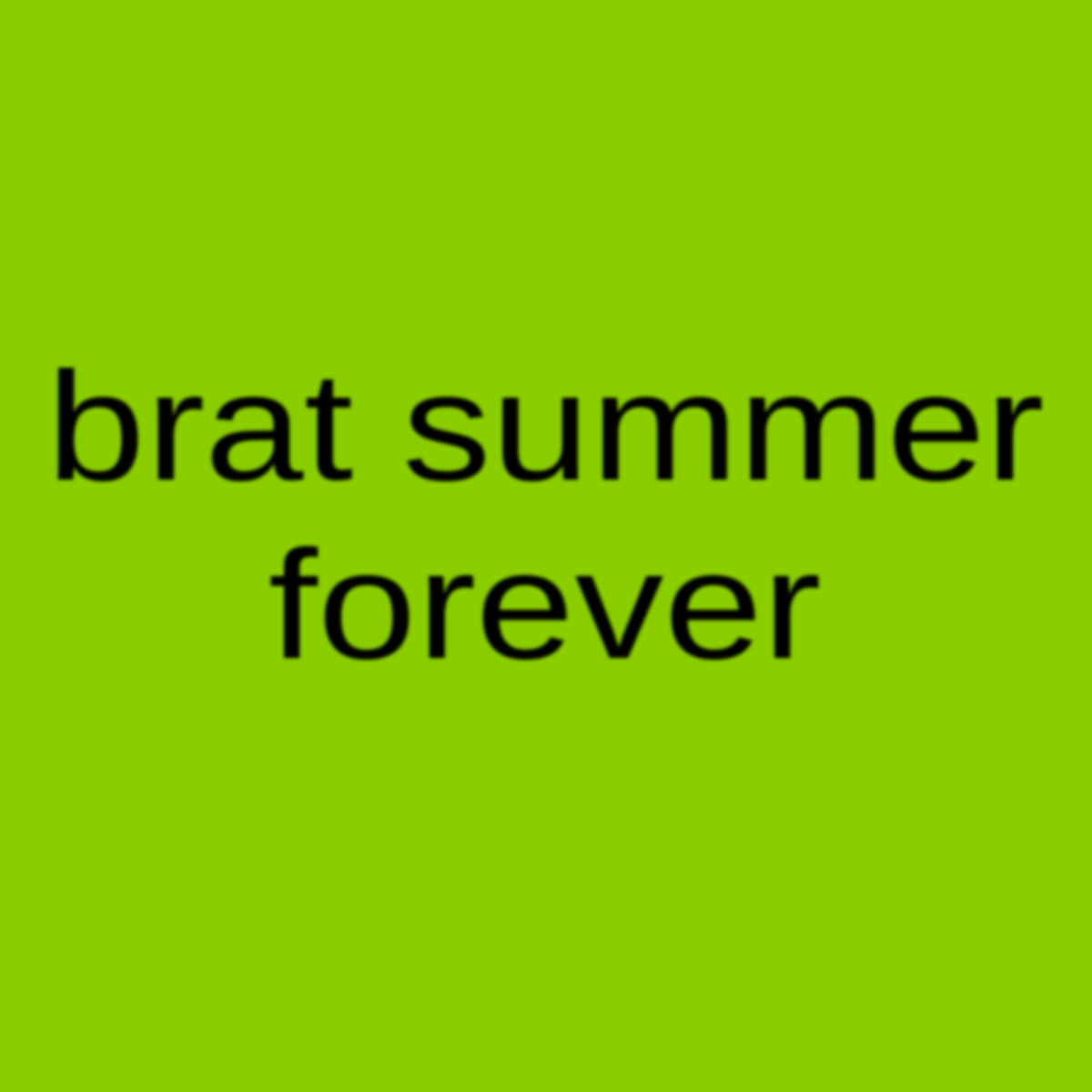
The look comes from the Brat album by Charli XCX, released in June 2024. The cover is only the word brat in lowercase letters on a flat green square, and that green is a very specific shade, hex code 8ACE00, matched to Pantone 3507C. The letters are a plain narrow sans serif, close to Arial Narrow, kept lowercase and softened with a light blur. A good brat lyrics generator copies those three things exactly, the green, the narrow lowercase type and the gentle blur, then lets you change the colour when you want a remix version in white, black or pink.
How to Use a Brat Lyrics Generator
Step 1: Pick your line. Short lines work best. One or two lines from a chorus usually beat a full verse, because the card has room to breathe and the words stay large. If you love a longer section, split it across two cards.
Step 2: Type or paste the lyrics. Add the words to the text box and press enter where you want a new line. Leave a blank line between sections and the card keeps a stanza gap, which makes verses easy to read.
Step 3: Set the colour. Start with the classic brat green for the true album look. White gives you the clean deluxe cover feel, black gives a high contrast night look, and pink gives a softer mood. Every colour keeps the same lowercase type, so the card still reads as brat.
Step 4: Adjust the blur and the fit. A small amount of blur copies the soft focus of the original cover. Too much blur makes lyrics hard to read, so keep it gentle. Turn on the auto fit option when your text is long, and the tool shrinks the words until every line sits inside the square.
Step 5: Choose a size and download. Pick a square size for a feed post or playlist cover, a portrait size for stories, or a wide size for a banner. Download the card as a PNG for the sharpest text, and your lyric card is ready to share.
Settings That Make a Lyric Card Look Real
Most fake looking cards fail on small details, and the fixes are simple. Keep every letter lowercase, because capital letters break the brat spell at once. Keep the font narrow and plain, with tight spacing, and let the text sit close to the middle of the square. Match the green to 8ACE00 when you want the album colour, since a random bright green looks close but never right. Keep the blur soft, around the level of a photo that passed through a group chat once, not a smudge. Plain is the point of this style, so skip photos, skip shadows and skip extra decoration on the card itself.
Brat Lyric Video Generator: When a Card Is Not Enough
A still card suits a post, but TikTok and Reels reward movement, and that is where a brat lyric video generator comes in. The idea is the same, your lines in brat type on a flat colour background, but the words arrive line by line with the song timing, so viewers read the lyric as it plays. The strongest lyric videos keep the same rules as the cards, lowercase type, the right green, soft blur, and they hold each line on screen long enough to read twice. Make the card first to lock your wording and colours, then carry the same settings into the video version so your posts and your videos match.
Best Lyrics to Turn Into Brat Cards
The lines that travel furthest are short, bold and easy to quote out of context. Chorus hooks work best, followed by the opening line of a song everyone knows and the one line fans repeat in comments. Lines about confidence, dancing, friendship and late nights fit the brat mood naturally. You can also use the format beyond music, a quote from a friend, a line from your own poem or the sentence that sums up your summer will all sit happily on the green square. Try a few of your own, such as brat summer forever, green is my whole personality, or dancing like nobody is watching, and see how the mood changes with each colour.
Best Sizes for Sharing Your Lyric Card
Use a square card at 1200 by 1200 pixels for Instagram posts and playlist covers. Use a portrait card at 1080 by 1920 for stories, TikTok covers and phone wallpapers. Use a wide card at 1920 by 1080 for YouTube community posts and desktop banners. Export at a larger size than you need and let the app shrink it, because text stays crisp that way, while a small image stretched up will look soft in the wrong way.
Common Mistakes to Avoid
The first mistake is typing in capital letters, which turns a brat card into a plain text image. The second is adding too much blur, until even you cannot read your own lyric. The third is picking a green that is close but wrong, since fans spot the difference at a glance. The fourth is filling the whole square with a long verse, which shrinks the words until the card loses its punch. Short lines, true colours and gentle blur will beat a crowded card every time.
Frequently Asked Questions
Is a brat lyrics generator free to use? Yes. The brat lyrics generator runs in your browser at no cost, with no account and no watermark on the download. The words you type stay on your device.
What is the brat font used for lyrics cards? The original cover uses plain Arial style letters, and Arial Narrow is the closest common match. Generators draw the text for you in the browser, so there is nothing to install.
Can I put long lyrics on one card? You can, and the auto fit setting will shrink the text to fit, but short lines look far better. Split a long verse across two or three cards and post them as a set.
What colours can I use besides green? The classic options are green, white, black and pink, and most tools also let you pick any custom colour for the background and the text.
Can I make a video with the same look? Yes. A brat lyric video generator uses the same type and colours, with your lines appearing in time with the song, ready for TikTok and Reels.
Final Words
A brat lyrics generator is the fastest way to give a favourite line the full album treatment, green square, lowercase type and soft blur included. Pick one strong line, keep the settings honest, and your card will look like it belongs to the era. When you are ready to try it yourself, open the brat generator tool and turn your first lyric into a card in under a minute.